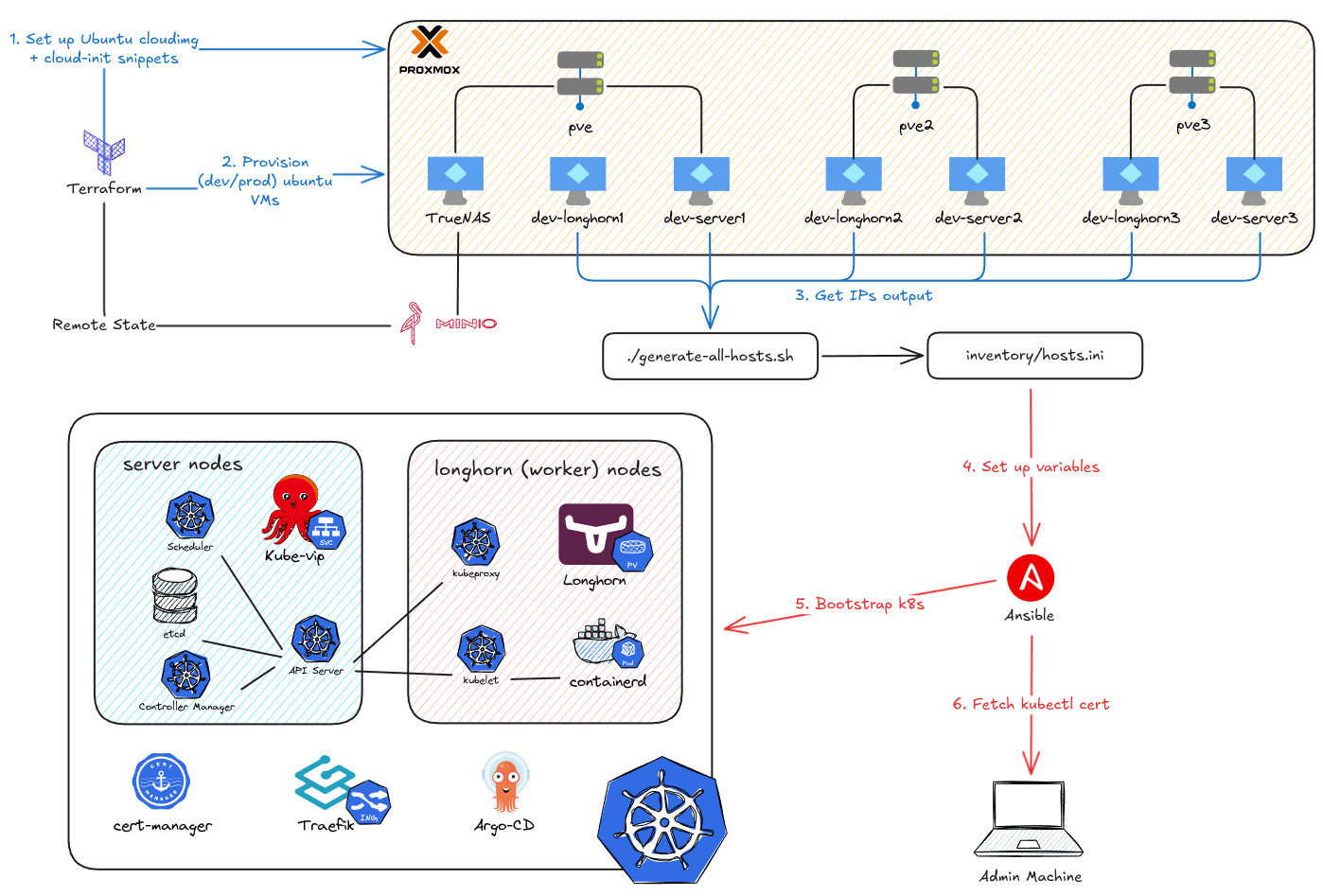
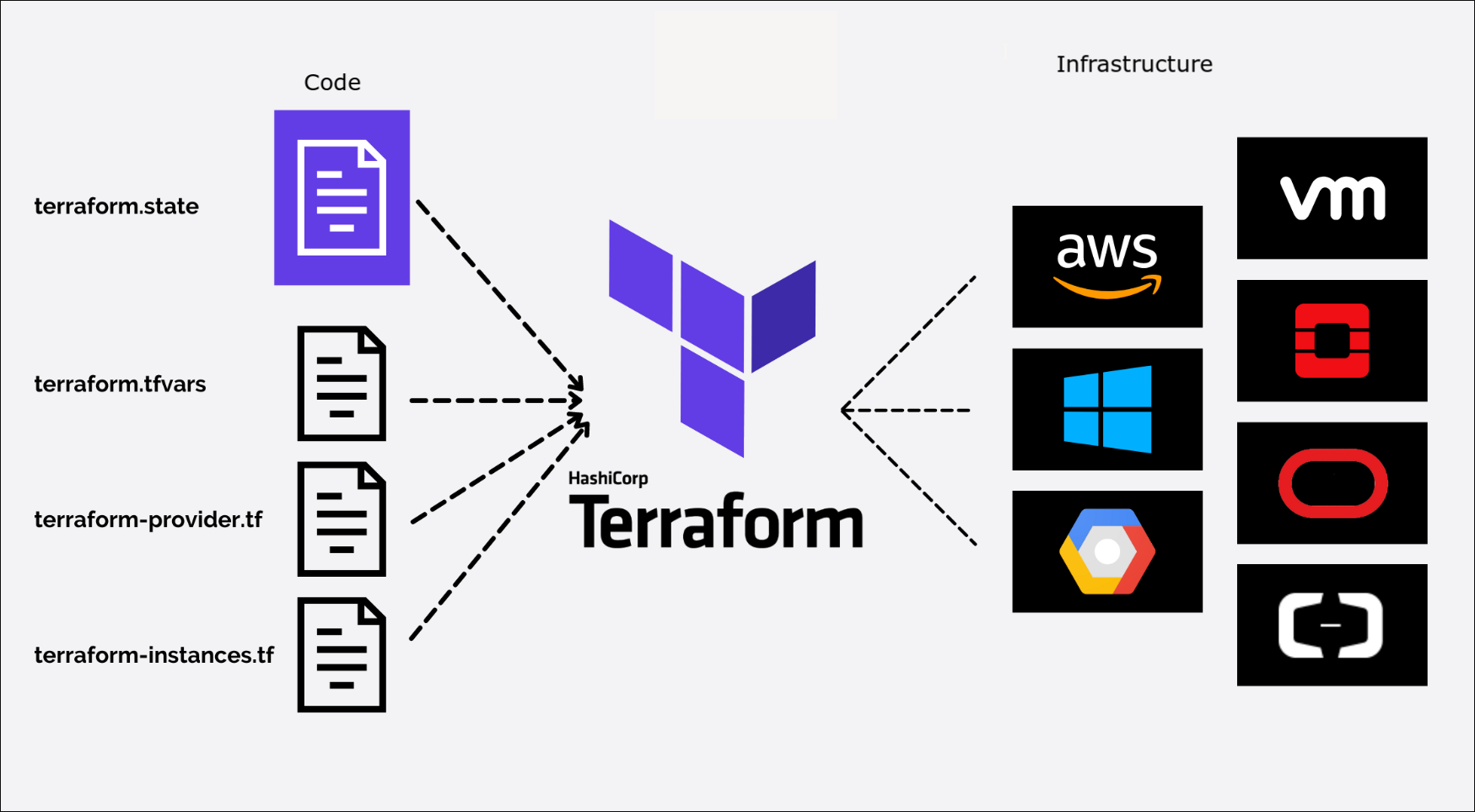
This project automates independent development and production Talos Kubernetes environments on Proxmox using OpenTofu and GitHub Actions, with optional stateless AWS workers connected through KubeSpan. Each cluster runs its own Argo CD for GitOps application management, while Doppler and External Secrets supply credentials and persistent workloads stay on Proxmox.
In the last two parts of the On-Premise 101 series, I showed you how to provision and bootstrap a full Kubernetes cluster. Now, I’m tearing part of it down and rebuilding the entire workflow. Why? The project’s goal was always automation, but I hit a wall. The manual steps to set up that automation - like managing secrets and SSH keys - became a huge liability.
People are often scared to learn Kubernetes because it’s difficult to set up an environment to play around with. Sure, you can use a project like minikube to learn on your own, but running it on your laptop seems limited, and you may not get to experience all the awesome features Kubernetes offers (remember, it was born for high availability). Or, if you have money, you can use a managed Kubernetes cluster from one of the cloud providers. Often, they’ve abstracted away so many things under the hood that you only need to learn kubectl and you’re good to go.
I’m the kind of person who will happily spend 10 hours building an automation script just to save 10 minutes of manual work every day. If that sounds like you, you’re in the right place.
In the previous parts of this series, we went from a single hand-me-down PC to a full 3-node cluster, and then we installed Proxmox as our hypervisor. We even managed to pass through a GPU to a VM for near-native performance.
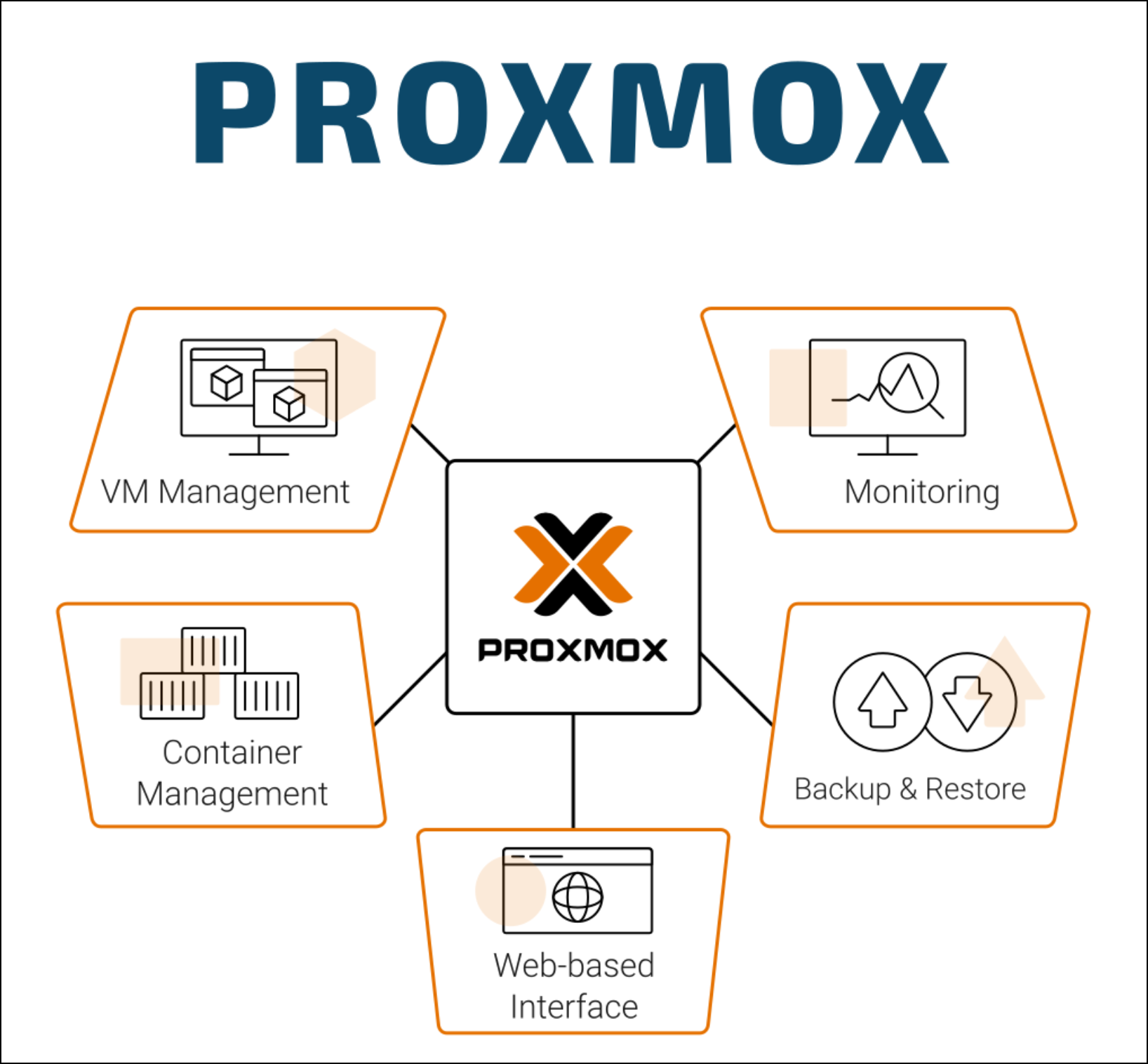
In the previous part, we covered how I started playing around with my hand-me-down computer and then escalated to building a whole 3-node cluster. It’s been a 3-year journey, and there have been so many changes to the software stack I host. But no matter what, there’s one thing I’ve used consistently from beginning to end: Proxmox (Hypervisor). So before we dive into how I deploy my applications on Docker or Kubernetes, I’ll show you the glue that connects the hardware we just built to all the software we’re going to deploy.
It all started with a computer my mom saved from the trash heap at her office. It was a standard HP Prodesk 600 G4—nothing special, and since I already had a PC and a laptop, I had no idea what to do with it. Just installing Windows on it felt like a waste. I knew it could be something more than just another desktop collecting dust.